
Make sure that Bluetooth is enabled on both your phone and the smartwatch. In the mobile app (e.g., Garett Smart or GloryFit), the watch must be paired from within the application, not via the phone’s system Bluetooth settings.
Check if the app has notification access enabled in your Android or iOS system settings. Also, ensure that the Bluetooth connection is active and the app is running in the background and has not been closed by the system.
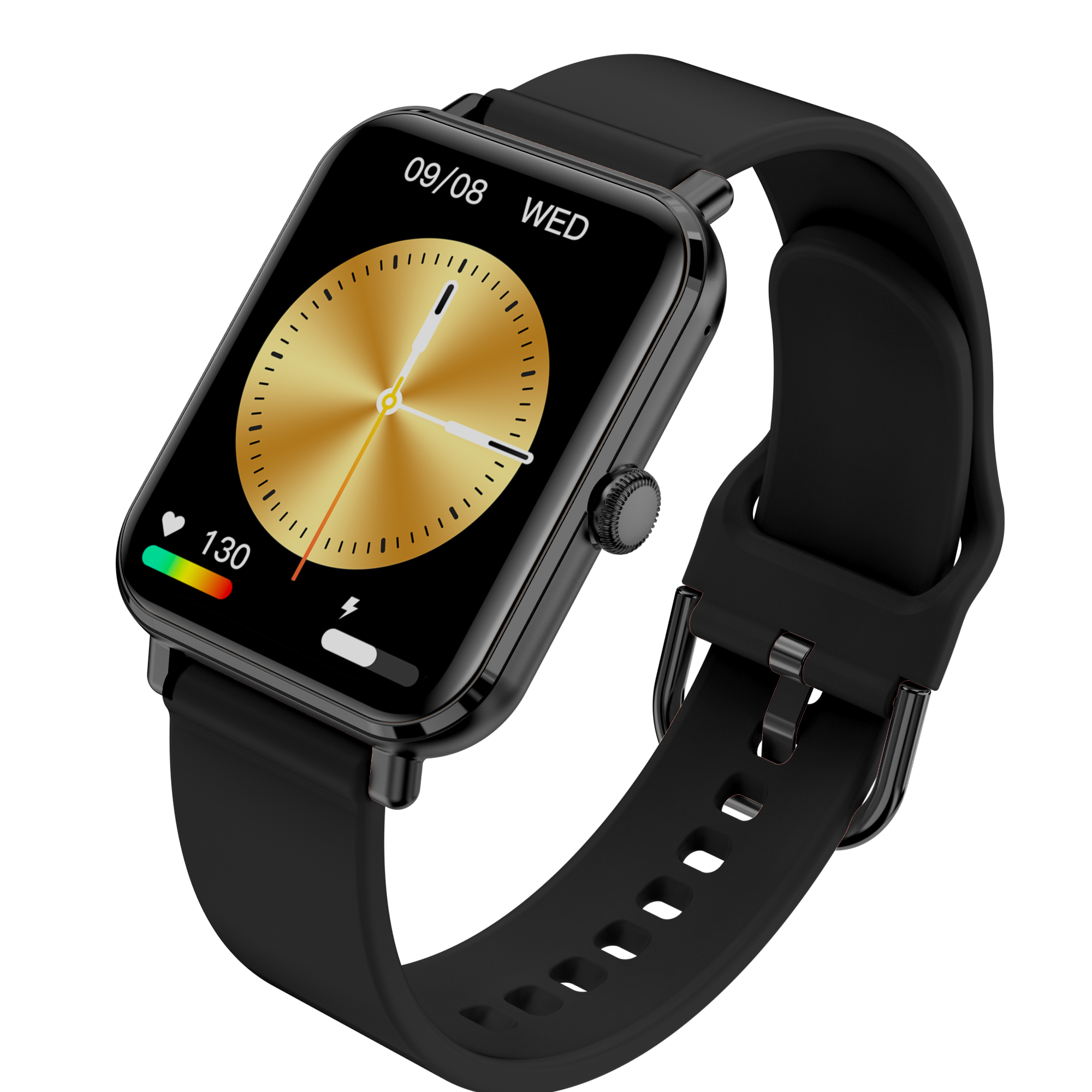
In the mobile app, select your device and then go to the „Watch faces” tab. You can choose from the available designs or upload your own photo, if the model supports this feature.
The time synchronizes automatically once connected to the app. Check if the app is running and the watch has an active connection with your phone.
Make sure the watch is worn correctly – it should fit snugly against the skin and be placed above the wrist bone. Check if the health tracking functions (e.g., heart rate, sleep) are enabled in the app.
Most Garett models feature an IP67 or IP68 water resistance rating, which means they are resistant to splashes and brief immersion. You can find specific details in the user manual of your particular model.
Battery life depends on the model and usage intensity. On average, the battery lasts 5–7 days. Continuous heart rate monitoring and notifications may shorten this time.
Go to the watch settings and select the „Restore factory settings” option. After the reset, you will need to pair the watch with the app again.
First, remove the connection in the app on your old phone. Then, install the app on the new device and pair the watch again. Some models may require a factory reset before pairing with a new phone.
Check if the watch is connected to the phone and if the app has permissions to run in the background. If necessary, open the app manually and wait for the synchronization to complete.
The smartwatch tracks steps, distance, and calories burned throughout the day, supporting your daily activity and a healthy lifestyle.
The watch measures heart rate and, on selected models, also blood pressure and oxygen saturation (SpO₂). The data can be reviewed in the mobile app.
It automatically detects the duration and quality of your sleep, indicating light and deep sleep phases as well as wake-up times.
Selected Garett smartwatch models allow you to make phone calls directly from the watch. Once paired with your phone via Bluetooth, you can answer and make calls using the watch’s built-in microphone and speaker.
The watch alerts you about SMS messages, incoming calls, emails, and notifications from apps (e.g., Facebook, WhatsApp) that are active on your phone.
Many models offer various sports modes (e.g., walking, running, cycling, yoga) that allow you to track your performance during physical activities.
You can remotely change tracks playing on your phone and take photos with a single click on your watch.
The watch can display the current weather forecast for your location after synchronizing with the app.
Most Garett models feature an IP67 or IP68 waterproof rating, which ensures resistance to splashes, rain, and short-term immersion.
Garett SMART App is compatible with models: Garett Atom, Garett V14, Garett Rose, Garett GRC Activity 2.
Download the Garett SMART App: Google Play / App Store
Da Fit App is compatible with models: Garett Activity, Garett Activity GT, Garett Lady Elegance RT, Garett Sport Mode RT, Garett Sport Mode Pro RT.
Download the Da Fit App: Google Play / App Store
FitCloudPro App is compatible with models: Garett Action, Garett Classy, Garett Wave RT.
Download the FitCloudPro App: Google Play / App Store
InfoWear App is compatible with models: Garett GRS, Garett GRS PRO.
Download the InfoWear App: Google Play / App Store
JYouPro App is compatible with models: Garett Street Style.
Download the JYouPro App: Google Play / App Store
MasWear App is compatible with models: Garett Kids Fit.
Download the MasWear App: Google Play / App Store
QWatch Pro App is compatible with models: Garett Verona, Garett Veronica.
Download the Garett QWatch Pro App: Google Play / App Store
Smart-Time Pro App is compatible with models: Garett GRC Classic, Garett GTC Style, Garett GRC Maxx, Garett V10, Garett V12.
Download the Smart-Time Pro App: Google Play / App Store
Garett Care App is compatible with models: Garett Vita.
Download the Garett Care App: Google Play / App Store
(except the Czech Republic and Slovakia)
GARETT Sp. z o.o.
ul. Sandomierska 209
25-330 Kielce, Polska
📞 +48 41 252 75 10
🕒We work from 08:00 to 16:00
RMA s.r.o. Service Centre
K Ochozi 761
59301 Bystřice nad Pernštejnem
📞 +420 603 573 592
🕒 We work from 08:00 to 16:00
 Polski (PDF 16MB)
 English (PDF 17.2MB)
 Čeština (PDF 17.4MB)
 Slovenčina (PDF 17.4MB)
 Magyar (PDF 17.4MB)
 Lietuvių (PDF 17.4MB)
 Latviešu (PDF 17.4MB)
 Eesti (PDF 17.4MB)
 Deutsch (PDF 17.4MB)
 Español (PDF 17.4MB)
 Italiano (PDF 16.7MB)
 Português (PDF 16.7MB)
 Українська (PDF 16.7MB)
 Dansk (PDF 16.7MB)
 Svenska (PDF 16.7MB)
 Nederlands (PDF 16.7MB)
 Français (PDF)
 български (PDF)
 Română (PDF)
 Hrvatski (PDF)
 Svenska (PDF)
 Suomi (PDF)
 Norsk (PDF)
 Ελληνικά (PDF)
 Slovensko (PDF)