


Quick Start Guide
Charge the watch
Before using the device for the first time, charge it using the included charging cable. The first charge should take about 60 minutes. Then turn on the watch and connect it to an available Wi-Fi network.

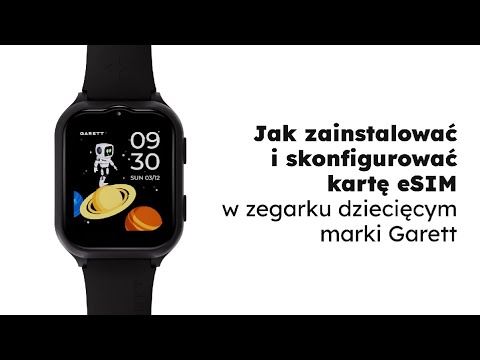
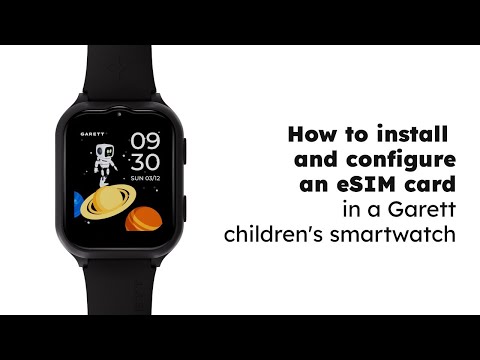
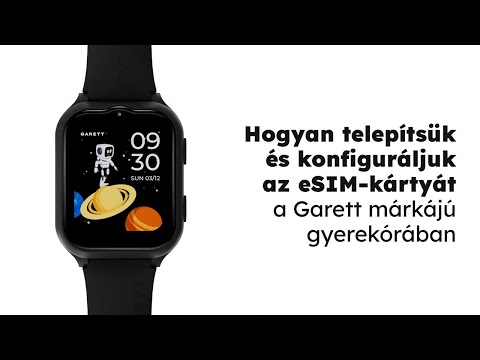
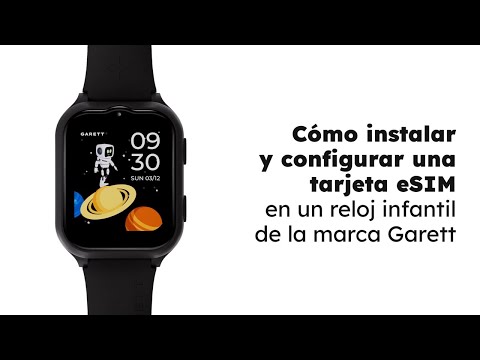
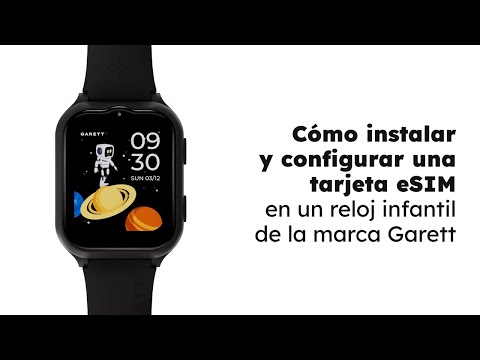
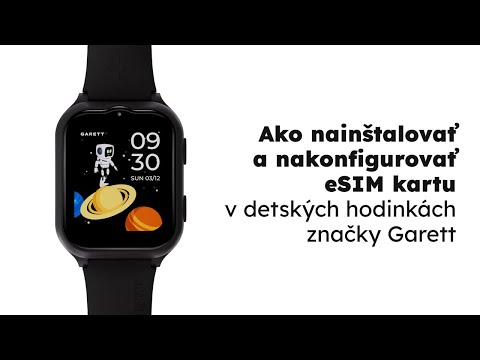
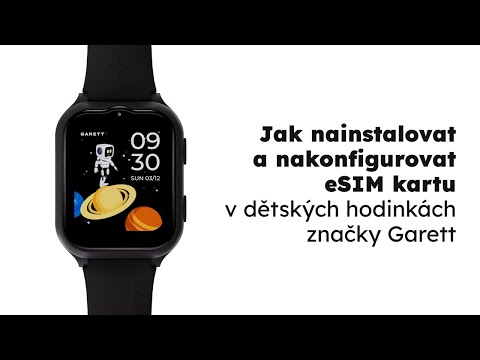
Install the eSIM
Make sure the eSIM card is active, has a new and unique number, has internet access, has the PIN lock disabled, and has sufficient funds in the account if you’re on a prepaid plan. You can install the eSIM card in two ways:
On the watch: go to
Settings → eSIM → Download Profile
and scan the QR code provided by your carrier.
In the Garett eKids app: go to
Device → eSIM Management → Scan QR Code
and scan the code with your phone’s camera.
After adding the profile, restart the watch and wait about 3–5 minutes for the device to connect to the cellular network.
Download the app
Install the Garett eKids app from the Google Play Store or the App Store on your smartphone.


Add the watch
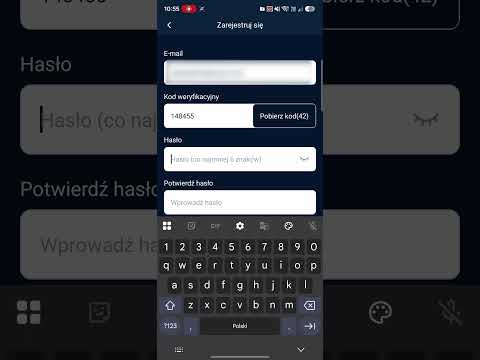
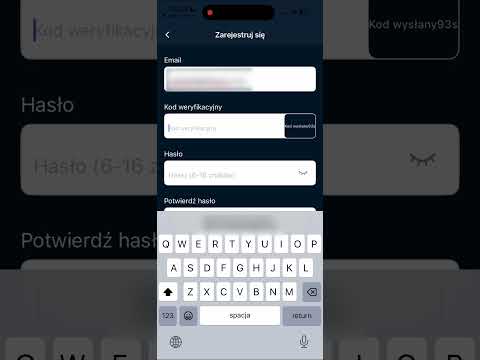
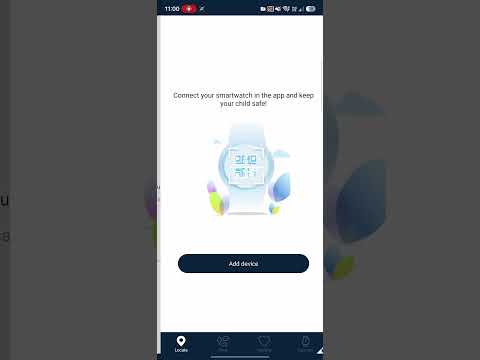
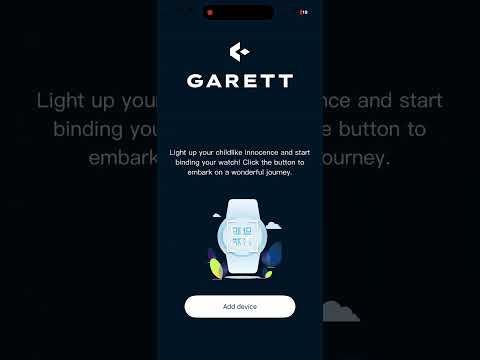
Create an account in the app and add the watch using the
REG CODE
available in the smartwatch menu. Then make a voice call and a video call to verify that the eSIM is working properly.

Read the full user manual
For complete information about the product, its features, setup, and safe use, read the full user manual.

 Polski (PDF 3,8 MB)
 English (PDF 3,4 MB)
 Українська (PDF 3,4 MB)
 Slovenčina (PDF 3,4 MB)
 Magyar (PDF 3,4 MB)
 Lietuvių (PDF 3,2 MB)
 Latviešu (PDF 3,4 MB)
 Español (PDF 3,4 MB)
 Français (PDF 3,4 MB)
 Português (PDF 3,4 MB)
 Italiano (PDF 3,4 MB)
 Čeština (PDF 3,4 MB)
 Deutsch (PDF 3,4 MB)
 Eesti (PDF 3,4 MB)
 Română (PDF)
 Svenska (PDF 3,4 MB)
 Nederlands (PDF 3,3 MB)
 Norsk (PDF 3,3 MB)
 Suomi (PDF 3,4 MB)
 Ελληνικά (PDF 3,4 MB)
 Dansk (PDF 3,4 MB)
 Hrvatski (PDF 3,4 MB)
 Български (PDF 3,4 MB)
 Slovensko (PDF 3,4 MB)
 Türkçe (PDF)
 Rosyjski (PDF 3,4 MB)