
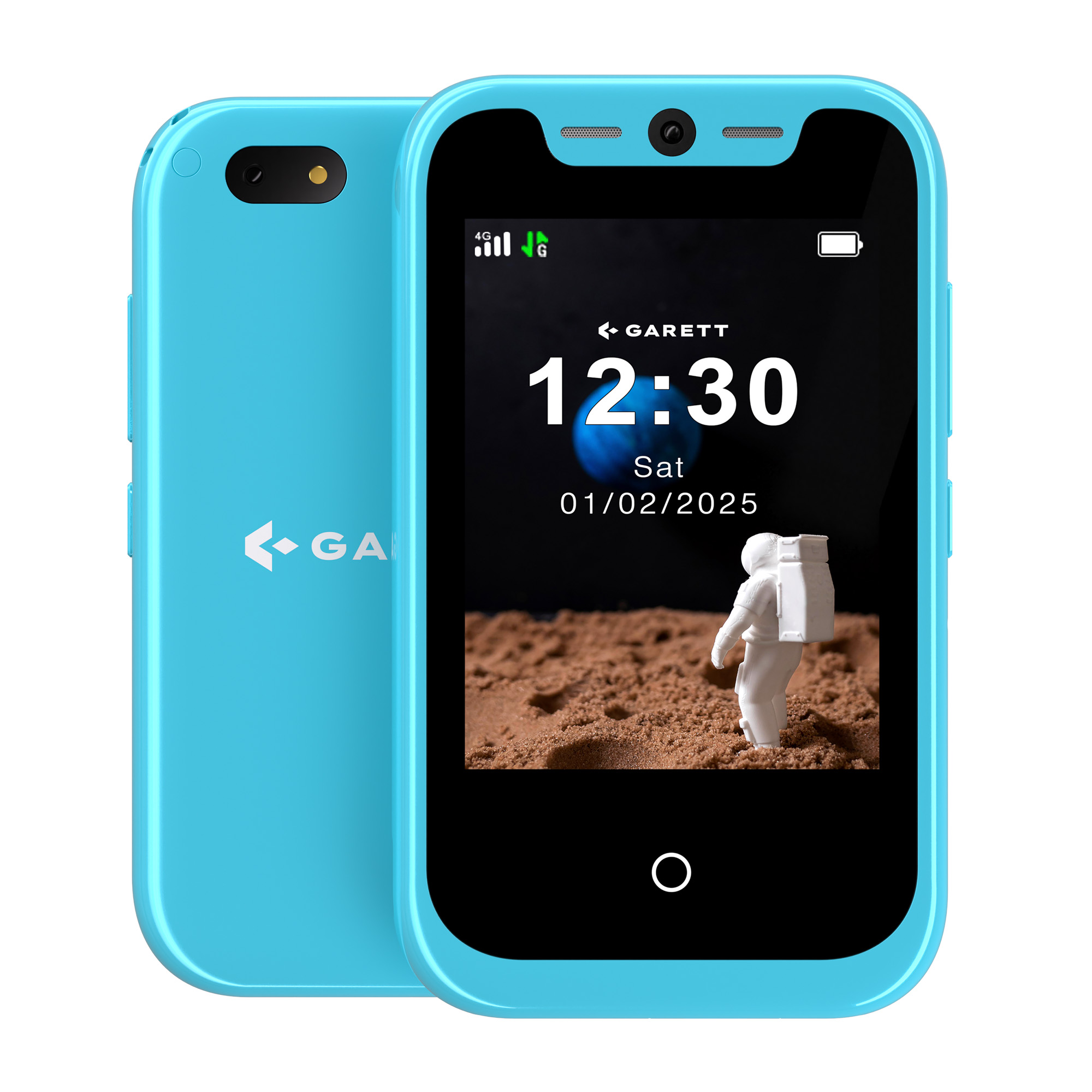



Quick Start Guide
1
Charge your phone
Before using the device for the first time, charge it using the included USB-C charging cable. The first charge should take about 60 minutes.

2
Insert the SIM card
Insert an active SIM card into the phone. The card must have a balance, have the PIN lock disabled, and have active internet access.
3
Download the app
Install the dedicated Garett ONE app from the Google Play Store or the App Store on your smartphone.

4
Add your phone
Create an account in the app and add your phone using the
REG CODE
from the sticker on the back of the phone or from the device menu. You can also enter the code manually.

5
Read the full user manual
For complete information about the product, its features, setup, and safe use, read the full user manual.

 Polski (PDF 29,3MB)
 English (PDF 27,1MB)
 Magyar (PDF 27MB)
 Français (PDF 27,1MB)
 Українська (PDF 27MB)
 Slovák (PDF 27MB)
 Čeština (PDF 27MB)
 Eesti keel (PDF 27MB)
 Deutsch (PDF 27MB)
 Italia (PDF 27,1MB)
 Lietuva (PDF 27MB)
 Latvija (PDF 27MB)
 España (PDF 27MB)
 Portugal (PDF 27MB)
 Svenska (PDF)
 Dansk (PDF)
 Suomi (PDF)
 Română (PDF)
 Nederlands (PDF)
 Български (PDF)
 Ελληνικά (PDF)
 Slovenščina (PDF)
 Hrvatski (PDF)
 Norsk (PDF)
 Türkçe (PDF)